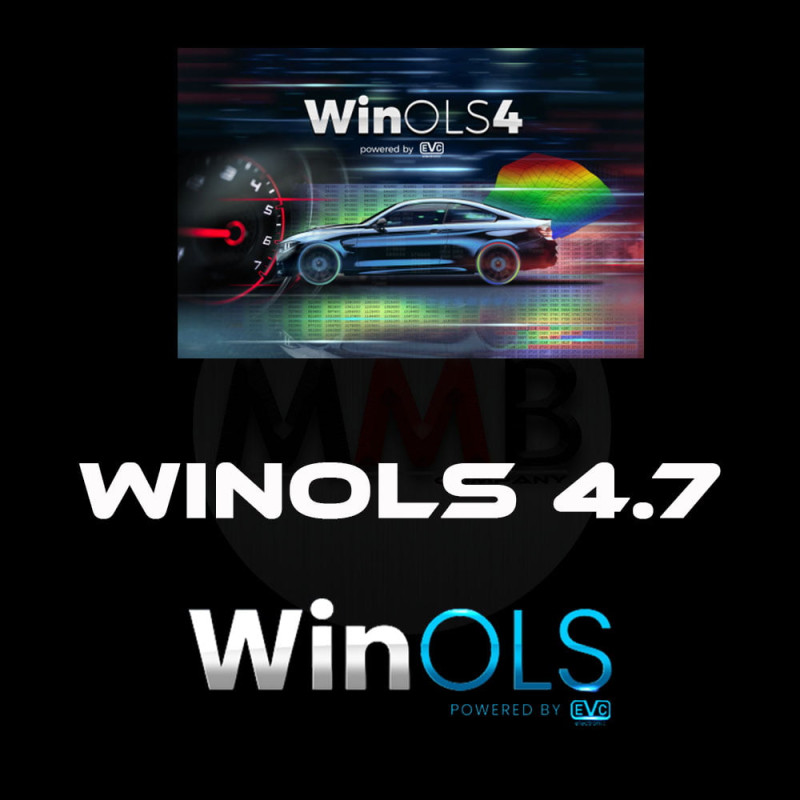

WinOLS 4.7 is a vital tool for ECU tuners who require complete control and deep insights into ECU data structure, making it one of the most reliable platforms in the tuning industry.
If you have any problem with downloading the files you bought and received at your email address, feel free to contact us at prodaja@fromserbia.rs
You will receive the files at your email address within 0 to 24 hours from the time of purchase.
WinOLS 4.7 Software Description
WinOLS 4.7 is a powerful and advanced software tool developed by EVC Electronic for editing and optimizing the memory contents (maps) of Engine Control Units (ECUs). Designed primarily for professionals in automotive tuning and ECU remapping, WinOLS provides a comprehensive environment for modifying vehicle performance, fuel efficiency, and other engine parameters.
The 4.7 version includes improved user interface elements, enhanced map detection, better 3D visualization, and compatibility with the latest ECU types. It allows users to import, analyze, and edit binary files from various ECUs, identify maps automatically or manually, and apply custom modifications with precision.
Key features of WinOLS 4.7:
Automatic and manual map recognition
2D, 3D, and hex views for detailed editing
Advanced project management and comparison tools
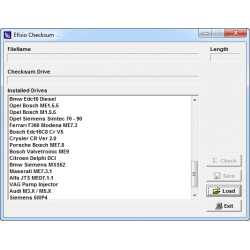
Support for various checksum plugins
Script automation for repetitive tasks
Enhanced performance and stability over previous versions
**** !!! No hardware or cable included !!! ****
Note:
1.When you buy, you should contact us, tell us your email address, and we will send you the download link. (Only download link, no real package)
In case you are unable to install the software you bought from us, you can always go to the installation help option located in the store menu. After that, we'll schedule an appointment that suits both you and us to perform the installation on your computer via remote access via the AnyDesk application.
WinOLS 4.7 is a vital tool for ECU tuners who require complete control and deep insights into ECU data structure, making it one of the most reliable platforms in the tuning industry.
If you have any problem with downloading the files you bought and received at your email address, feel free to contact us at prodaja@fromserbia.rs
You will receive the files at your email address within 0 to 24 hours from the time of purchase.